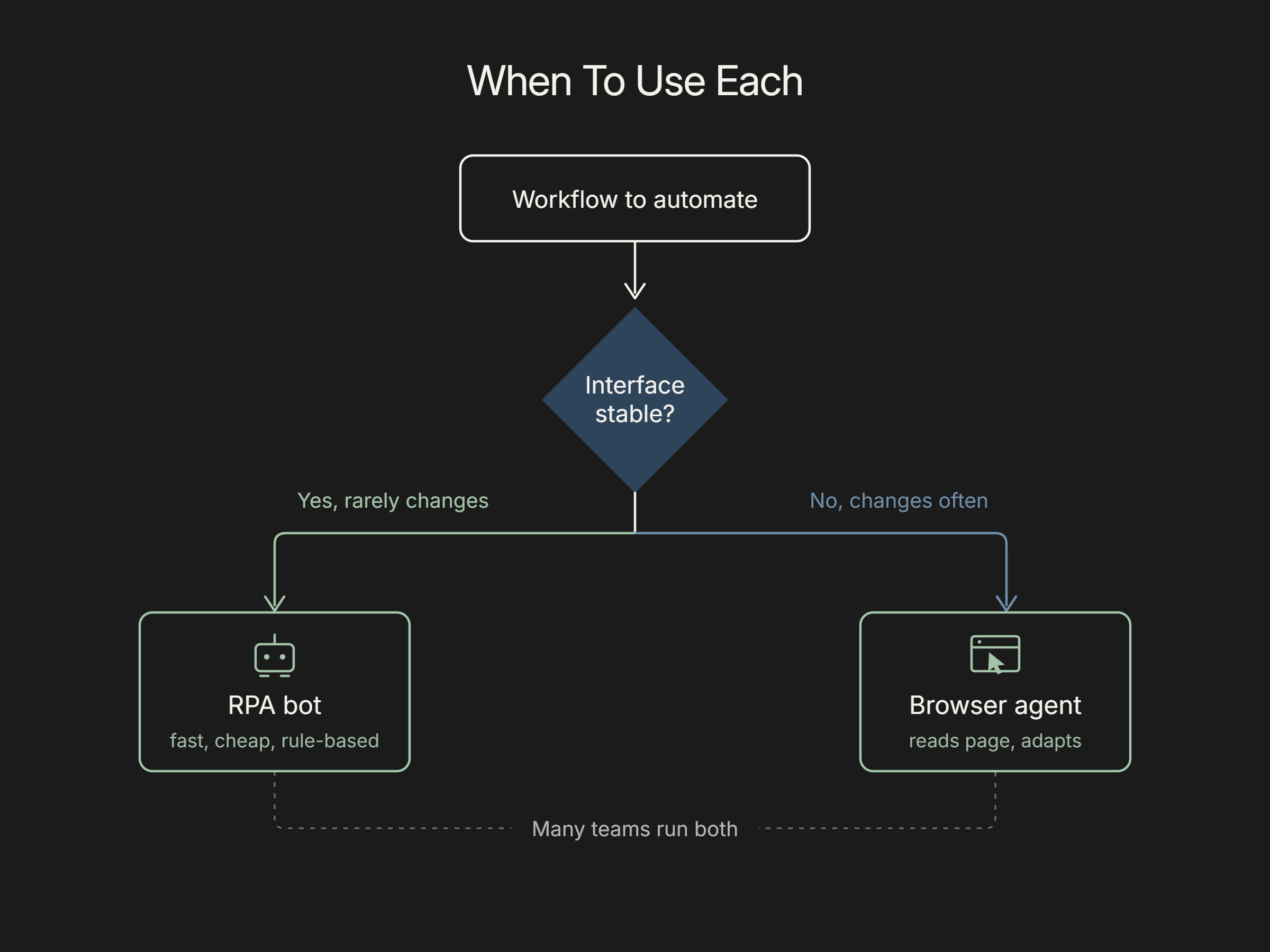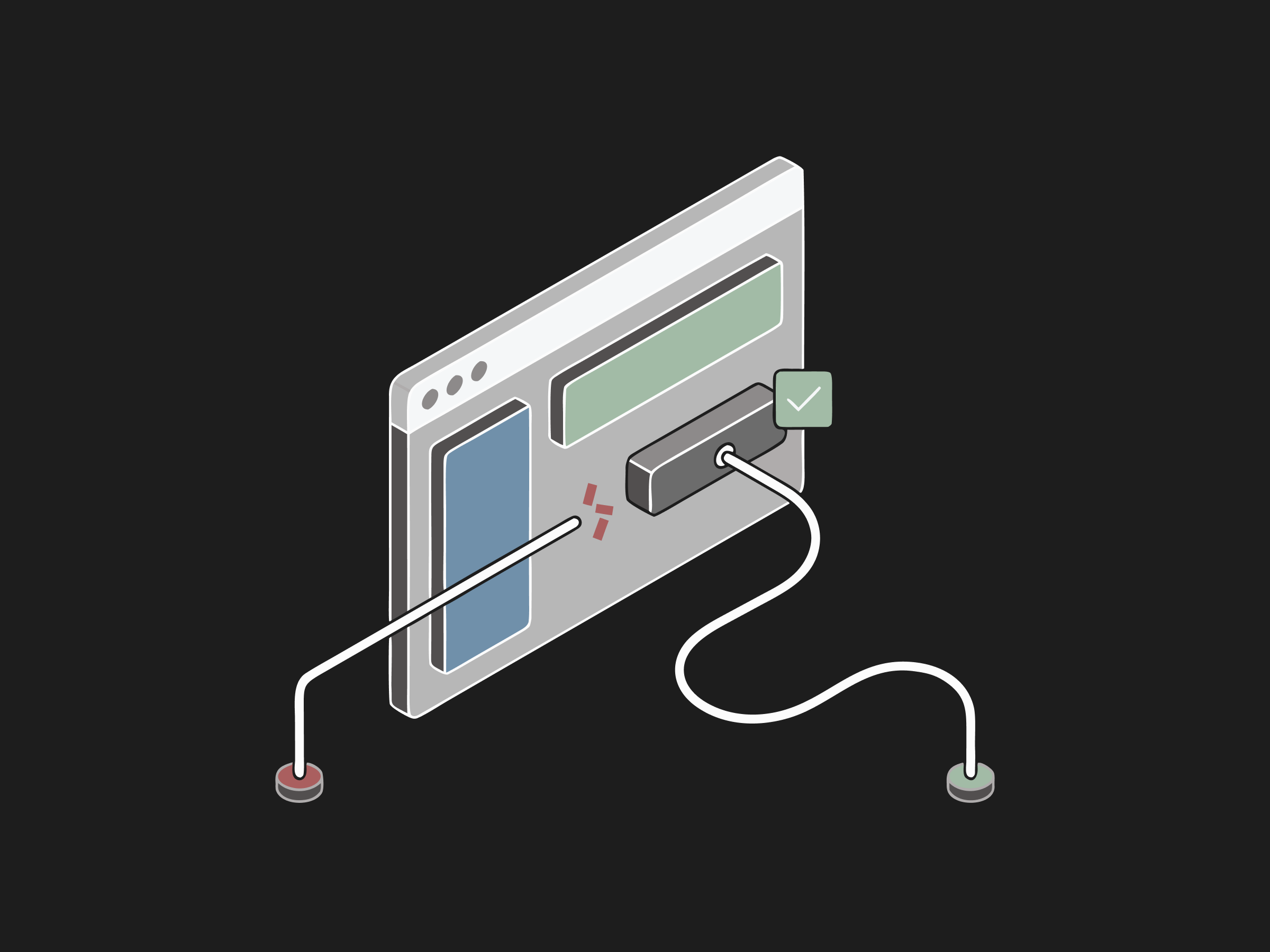
The core difference between browser agents and RPA is how they handle change. RPA (robotic process automation) runs pre-recorded scripts that follow fixed rules and target specific screen elements, so a bot does exactly what it was configured to do (UiPath). A browser agent uses an AI model to read the page and decide the next action, so it can adapt when the interface shifts. In practice, RPA is fast and cheap for stable, high-volume, rule-based tasks, but it is brittle: when a portal is redesigned or a field is renamed, the script breaks and needs a developer to fix it. Browser agents trade some determinism for resilience, reasoning about what is on screen instead of relying on hard-coded selectors. Many teams now combine the two rather than treating it as an either-or choice.
What is RPA?
Robotic process automation is software that mimics human actions in digital systems to complete repetitive, rule-based tasks like data entry, form filling, and moving information between applications. UiPath, one of the largest RPA vendors, describes it as software robots that do the same repetitive steps a person would, only faster and without breaks (UiPath). An RPA workflow is built in a visual designer, then executed by a bot that clicks buttons, types values, and reads fields according to the exact recipe it was given. RPA works well when the process is stable and the rules are clear. Its strength, strict repeatability, is also its limit: the bot cannot reason about anything it was not explicitly programmed to handle.
Want this mapped against your own call and claim volume? Book a 30-minute audit
What is a browser agent?
A browser agent is an AI system that operates a web browser the way a person does. It reads the page, decides what to do, and clicks, types, and navigates to finish a task described in plain language. Rather than following a fixed script, it pairs a large language model with a loop that observes the current page, chooses an action, executes it, and checks the outcome. Anthropic's computer use capability was among the first frontier models able to look at a screen and control a cursor and keyboard from screenshots (Anthropic). Because the agent reasons from what it sees, it can find a login field even if the button moved or the label changed, and it can recover from unexpected dialogs that would stop a rigid script.
The practical difference shows up when a portal changes a field or adds a step: a script breaks, and an agent reading the page can continue. Flexbone builds on browser agents for that reason, and it still classifies the workflow before building, because some portal tasks are stable enough that the difference does not matter.
See what AI can run at your facility. In a 30-minute audit we map the calls, eligibility, and follow-ups Flexbone can take off your team first.
Book an auditHow do browser agents and RPA differ?
The difference comes down to brittleness versus adaptability. RPA bots bind to specific UI elements, so when a vendor updates a portal or an application is upgraded, the selectors no longer match and the bot fails. Thoughtworks has long warned that RPA built on fragile UI hooks accrues heavy maintenance debt, because every interface change can break a working automation (Thoughtworks). A browser agent reads the page and reasons about it, so a moved button or renamed field usually does not stop it. The tradeoff is determinism: RPA does the same thing every run, while an agent is probabilistic and needs validation and human review on sensitive steps. RPA is cheaper per task at steady state; agents cost more per action but survive change that would otherwise require developer rework.
When should you use each?
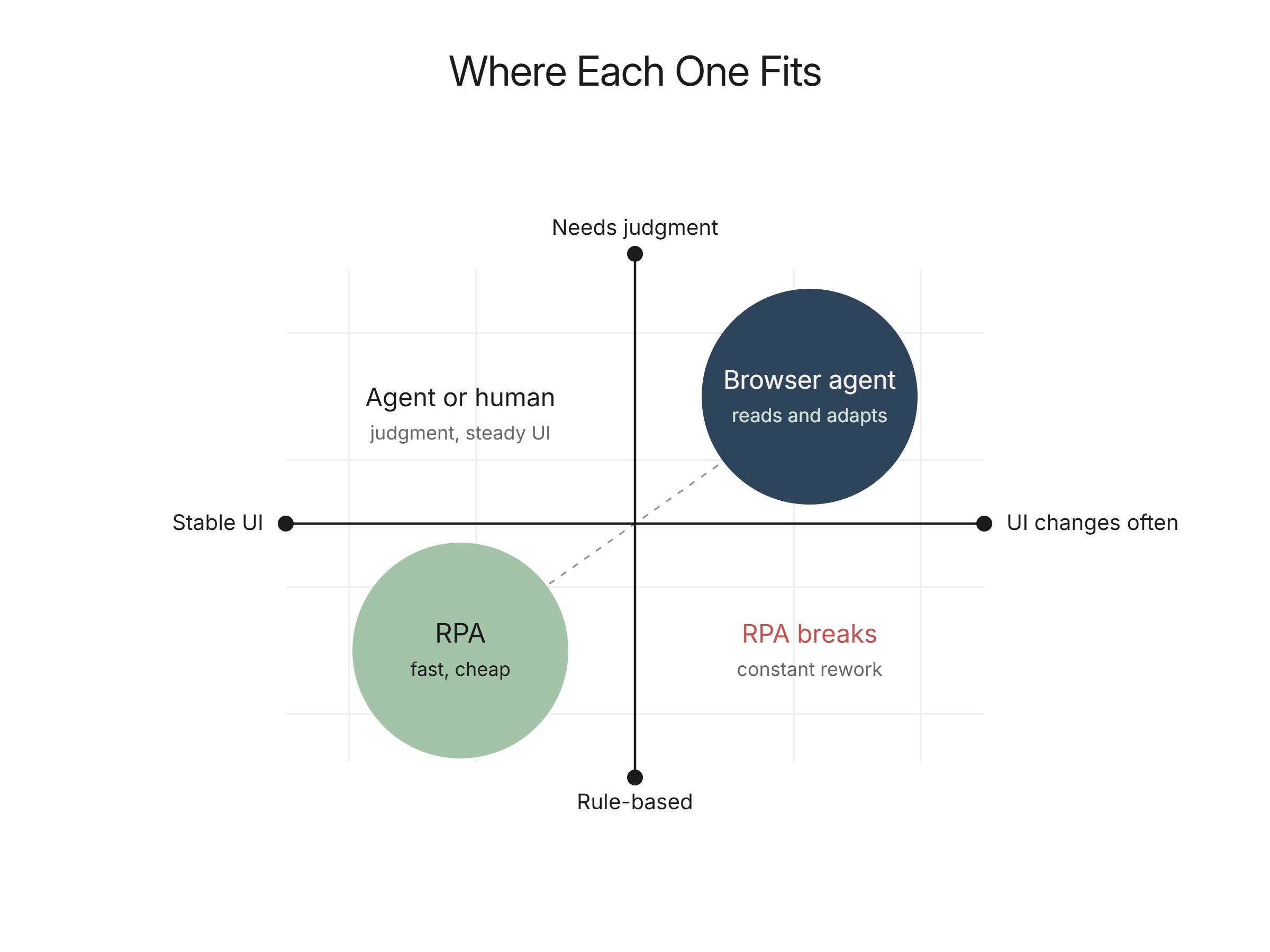
Use RPA when the process is high-volume, stable, and strictly rule-based, and the underlying screens rarely change: think structured data entry between two systems that share a fixed layout. The economics favor RPA when the interface is a known constant. Use a browser agent when the target changes often, when you face many slightly different portals, or when the task needs judgment the bot cannot encode, such as reading a benefits response and deciding what to record. Increasingly the answer is both. Industry guidance now points toward hybrid designs where deterministic automation handles the stable core and AI agents cover the variable, unstructured edges (UiPath). The right split depends on how often your interfaces change and how much variability each task carries.
How Flexbone thinks about agents vs RPA in regulated work
Flexbone builds browser agents for secure and regulated environments, where portals change without notice and many workflows have no API to bind to. We are audit-first: we map the process, the systems, and the failure modes before automating, and we add logging and human review on sensitive steps rather than assuming a script will keep holding. That approach suits work like eligibility checks and prior authorization status lookups, where payer portals shift and brittle bots would need constant repair. Our platform is HIPAA compliant and SOC 2-aligned. See how this plays out in prior authorization automation, then book a demo to compare an agent against the RPA bots you run today.